 DomeBuilder
Build smarter.
Track every piece.
Keep your dome build on track.
DomeBuilder helps you log, track and approve every installed piece across every shift. Stay organised, reduce delays and keep crews aligned in real time.



Everything you need in one place
DomeBuilder is built for fast-moving crews and complex builds.

Log installed pieces
Record each piece as it's installed. Add time, crew, position, ring and remarks.
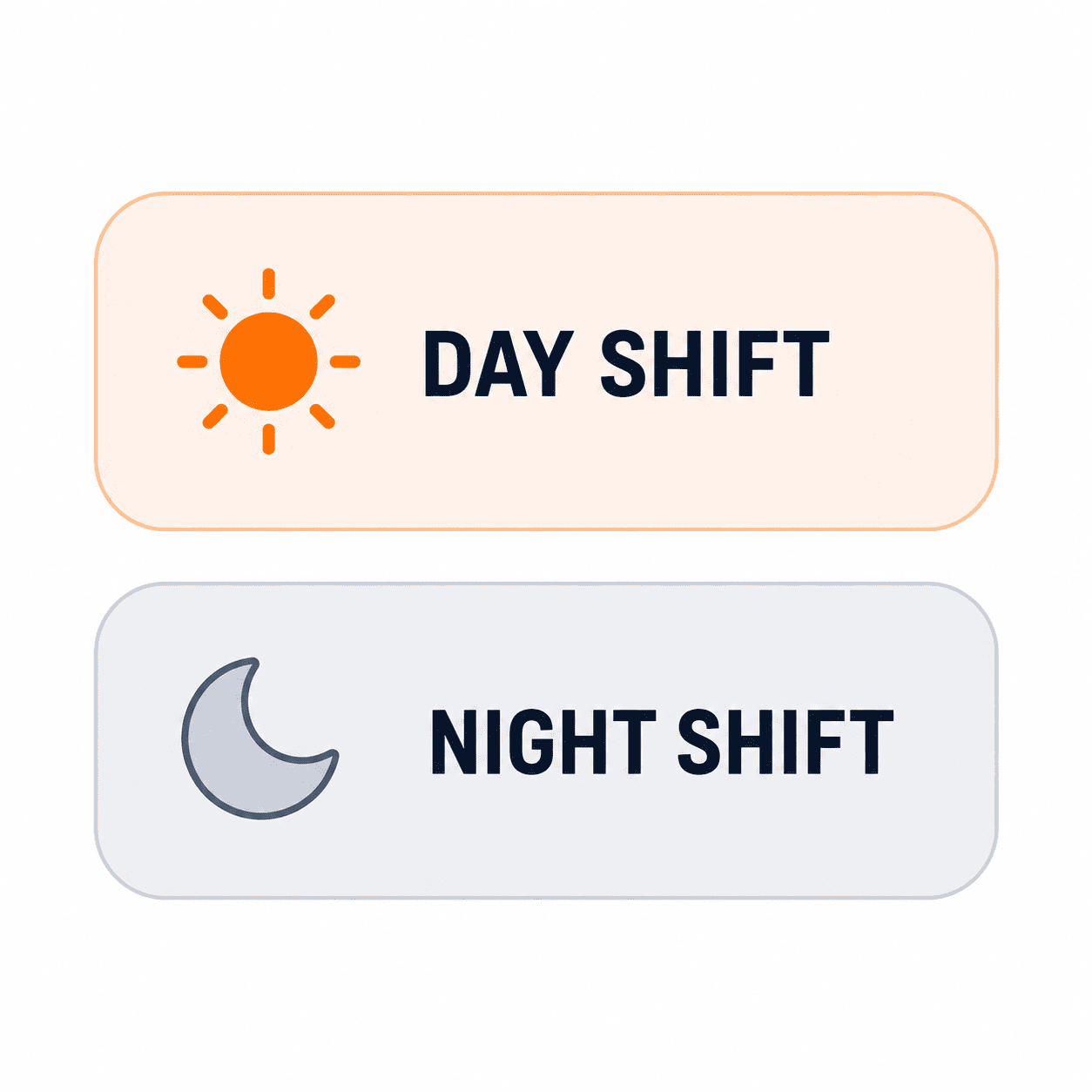
Track by shift
Separate day and night shifts with accurate timing and progress tracking.
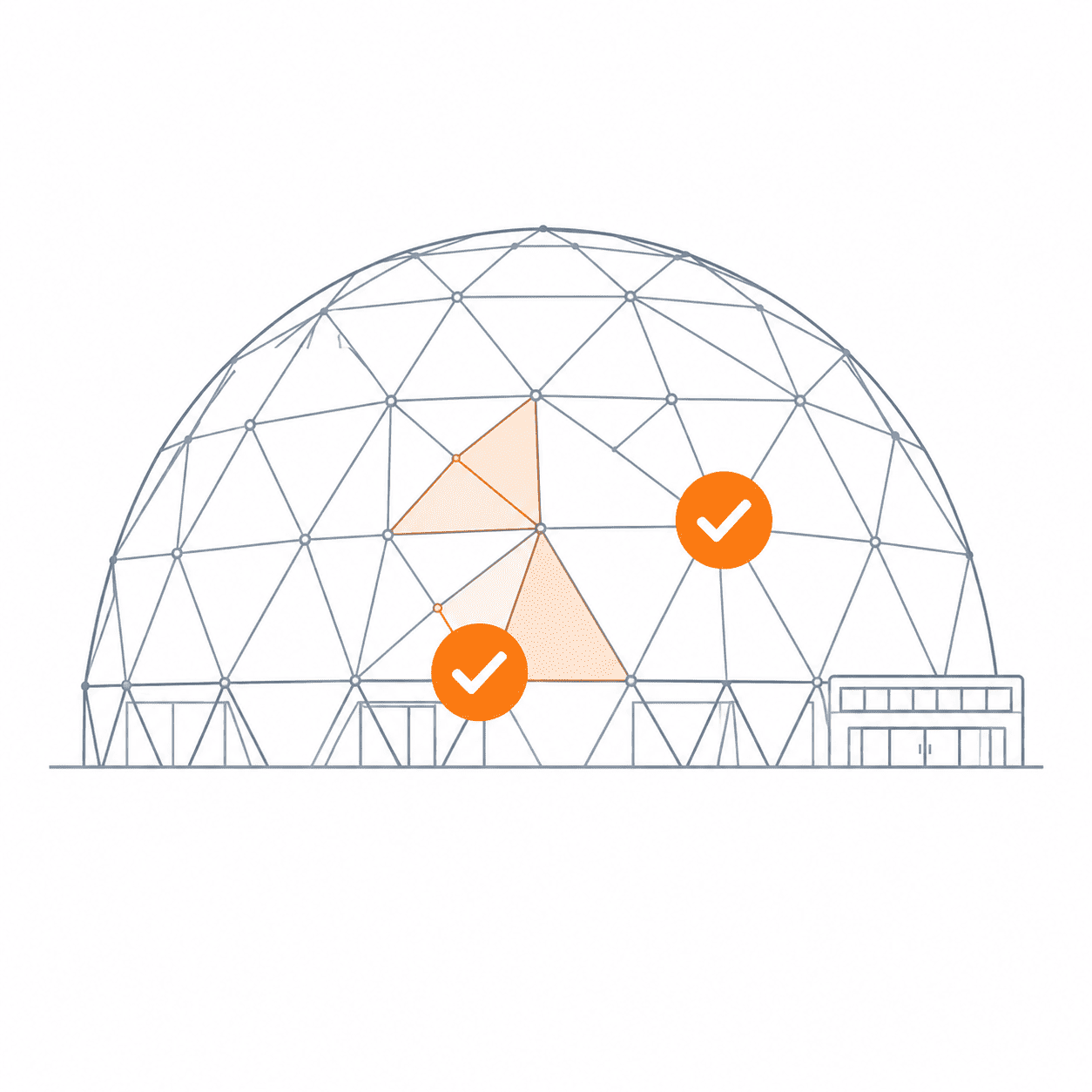
Visualise progress
See what's been installed on each drawing and exactly where work is up to.

Approvals & updates
Admins review and approve logged work the next morning to keep everything moving.
01. Drawing-driven logging
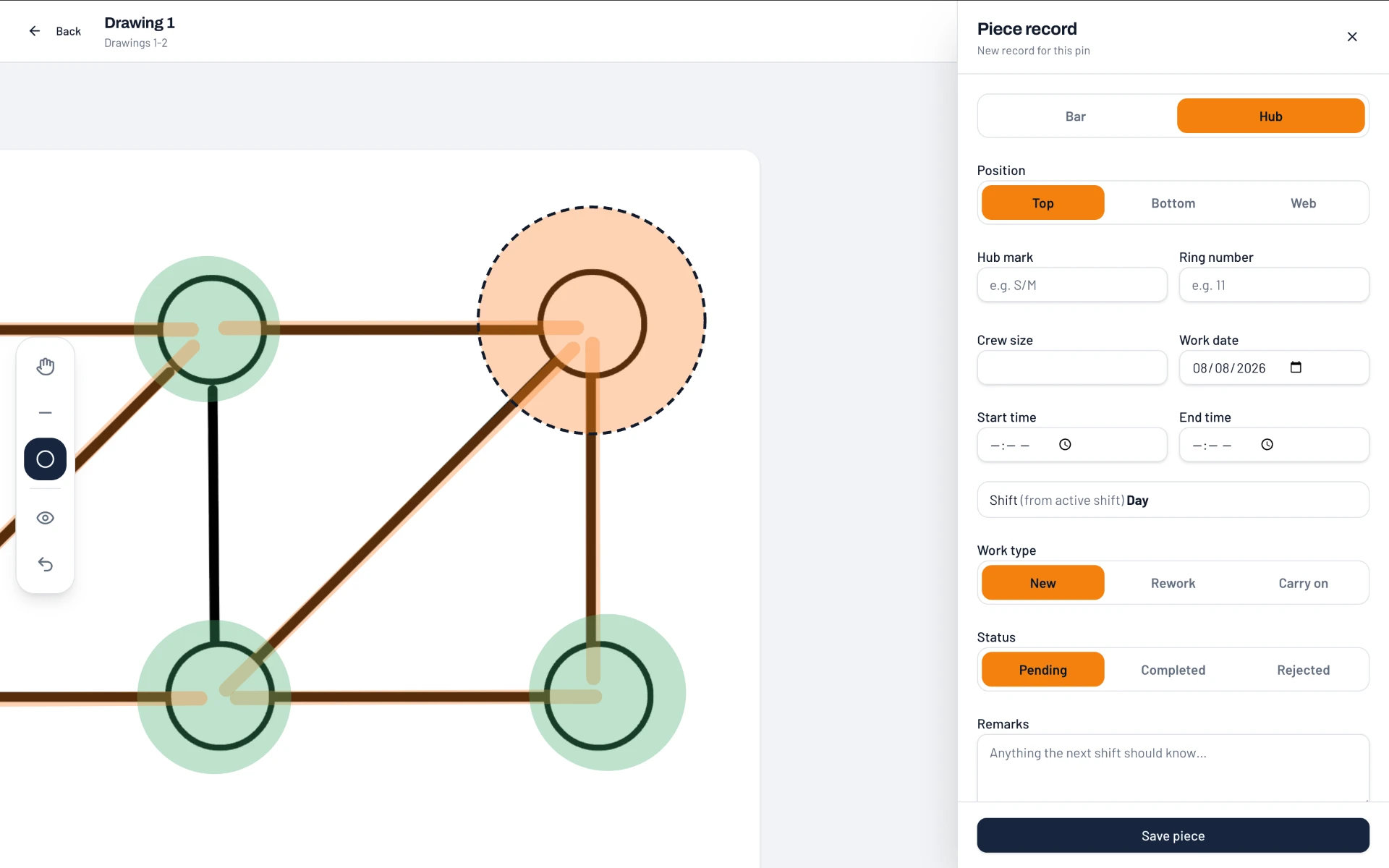
Tap the drawing. Log the piece.
Open a drawing, tap the exact hub or bar location, then fill in the piece record — type, position, hub mark, ring, crew size, times, work type and remarks.
- Pin every record to the exact spot on the PDF drawing
- Bar or hub, top / bottom / web, new, rework or carry on
- Shift is filled in automatically from the running shift
02. Shift-by-shift tracking
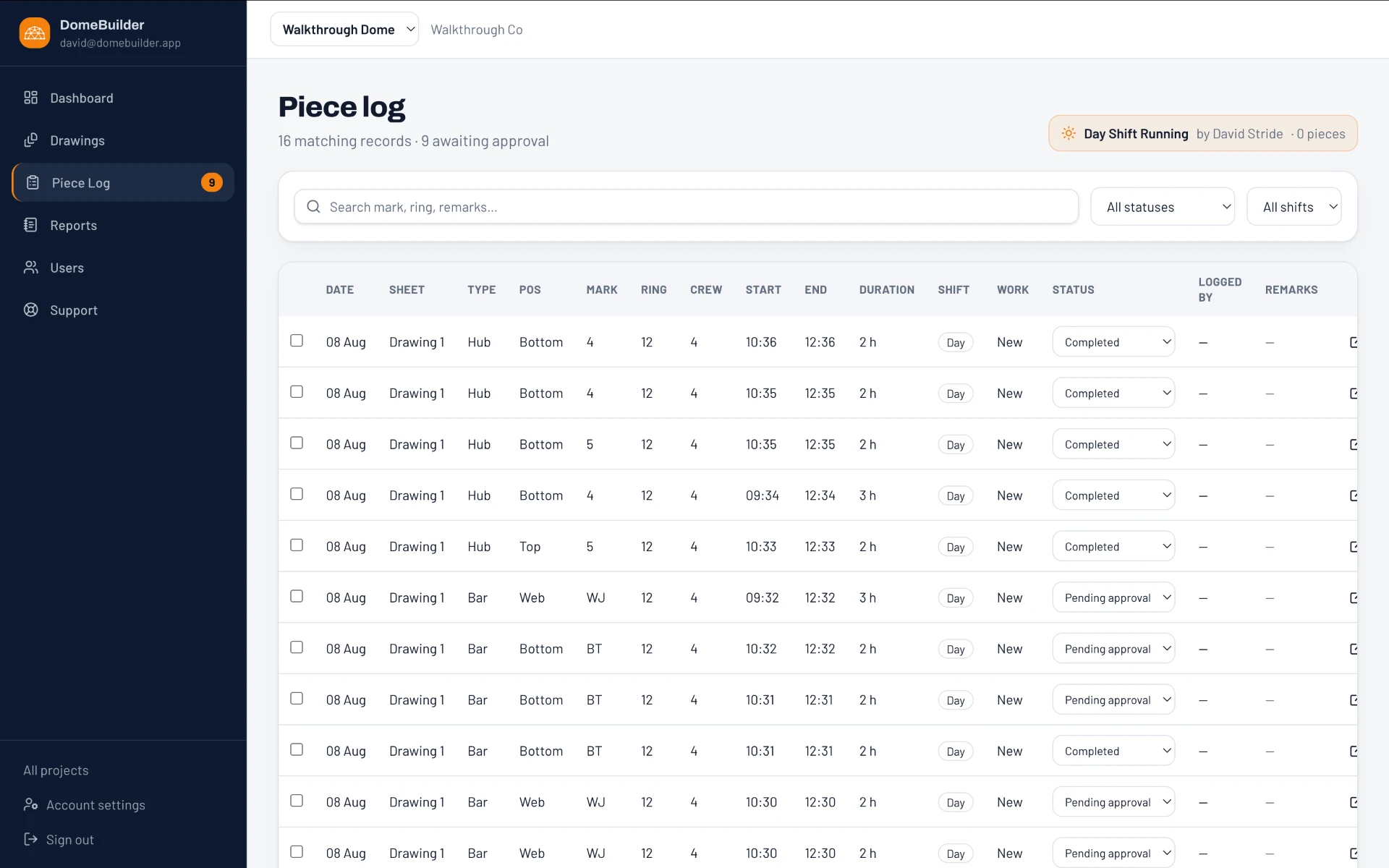
Every piece, every shift.
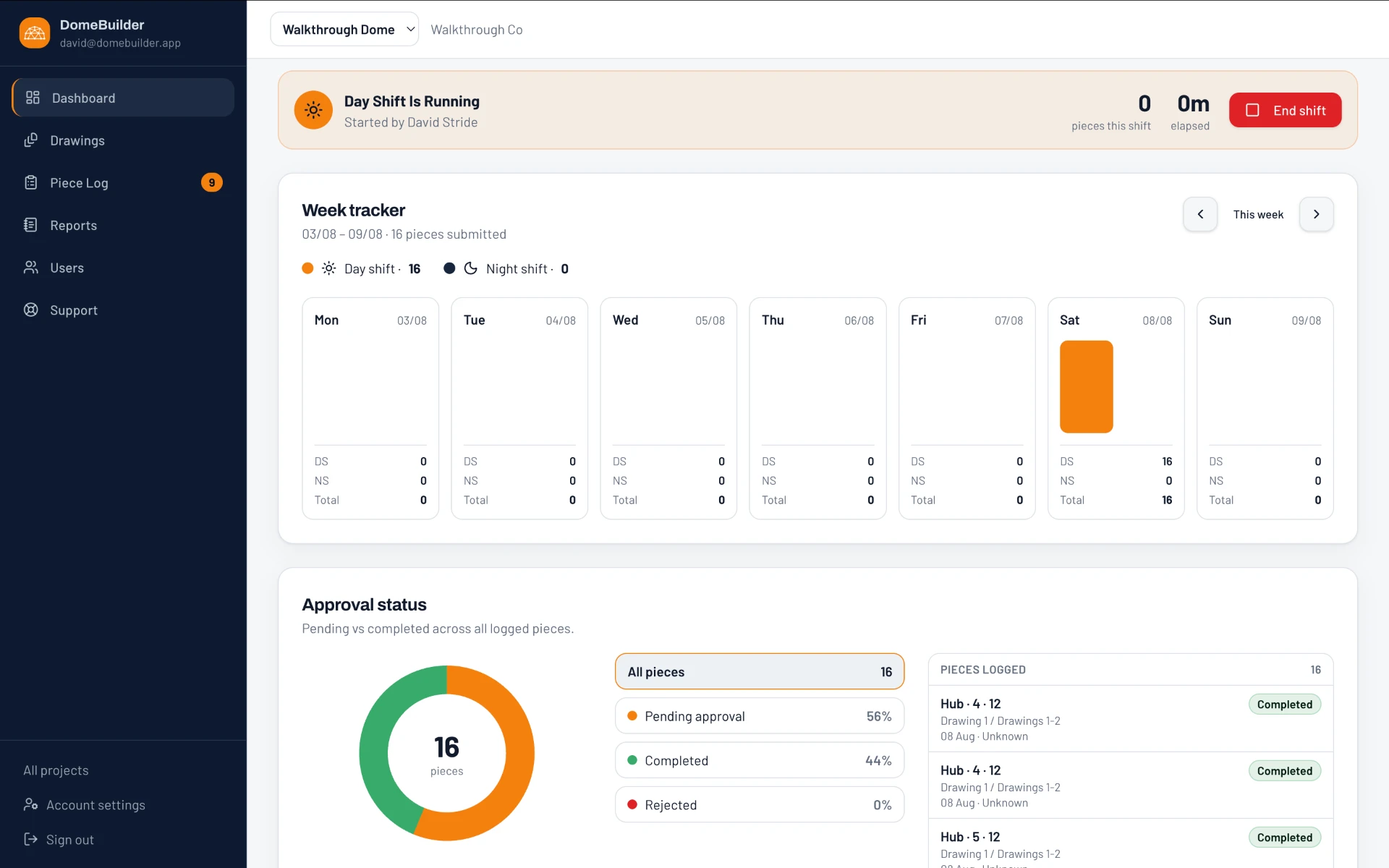
The piece log lists every record with date, drawing, type, position, mark, ring, crew, start and end times, duration, shift and status — searchable and filterable.
- Day and night shifts separated automatically
- Search by mark, ring or remarks and filter by status or shift
- Live shift banner showing pieces logged this shift
03. Approval workflow
Approve, reject, stay on top.
Leading hands log the work and admins review it. The dashboard shows pending, completed and rejected pieces at a glance, alongside the week tracker.
- Pending vs completed vs rejected across all logged pieces
- Week tracker split by day and night shift
- Live feed of the most recently logged pieces
04. Reports & handovers
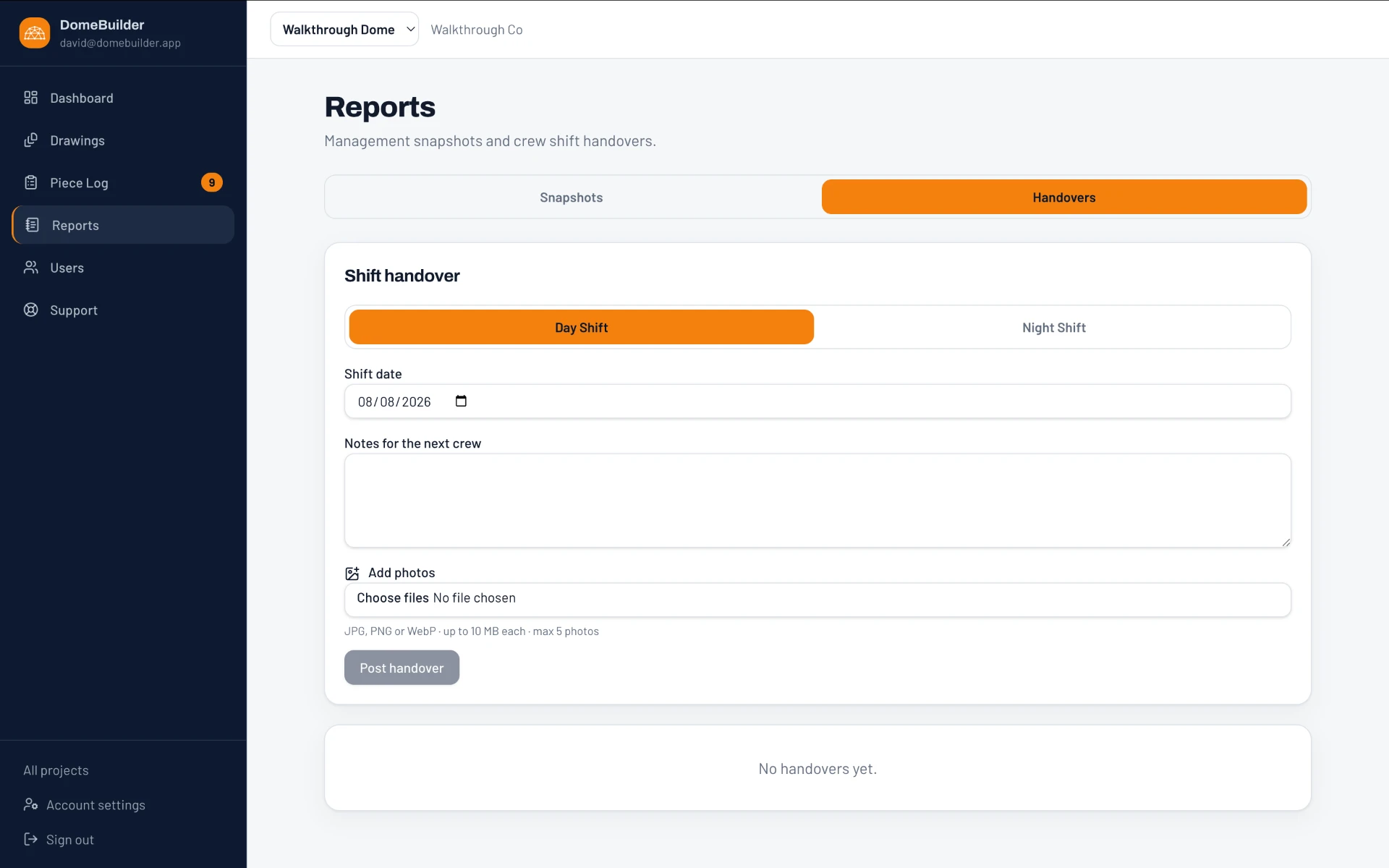
Hand over in a minute.
End a shift and post a handover with the date, notes for the next crew and photos, or pull a management snapshot of the project's progress.
- Day or night handover notes for the incoming crew
- Attach up to five photos per handover
- Management snapshots of overall progress
Built for dome builds
- Made for dome construction teams
- Reduce delays and rework
- Improve accuracy and accountability
- Access from any device, anywhere
- Secure, reliable and easy to use

Contact us
Let's build smarter, together.
Want to see DomeBuilder in action or have a question? Get in touch with our team.